
Download Petirojo – Virus Scanner, USB Security, Malware Detection, Pen Drive Protection, Quick Scan, Java-Based, Free Tool
Overview
Petirojo is a lightweight, Java-based utility designed for rapid virus detection on removable storage devices such as USB flash drives and external hard drives. Its primary purpose is to provide users with a fast and accessible method to scan for malicious code before transferring files, helping to prevent the spread of malware across systems. The app targets individuals and professionals who frequently use USB drives for data transfer, including students, office workers, and IT personnel.
While the developer is listed as the Petirojo Team, no further details about the organization or its background are available. Real-world use cases include checking public or shared USB drives for threats before opening files, ensuring data integrity, and safeguarding personal computers from potential infections. In the broader app ecosystem, Petirojo fills a niche for simple, no-frills security tools, especially for users who prefer lightweight, standalone applications over complex antivirus suites.
Despite its age, the tool remains relevant for those seeking a quick, free solution to verify USB device safety.
Key Features & Functionality
- Fast Scanning Process: Petirojo completes virus scans in seconds, making it ideal for users who need immediate feedback on a USB device’s safety. This speed is particularly useful in high-turnover environments such as libraries, schools, or offices where quick file transfers are routine.
- Easy Installation: The application requires no traditional installation process. Users simply unzip the provided .rar file and run the executable, minimizing setup time and eliminating the need for administrative privileges.
- Java Dependency: The tool operates on the Java Runtime Environment (JRE), which must be installed on the host system. This dependency ensures compatibility with Java-based applications but may require users to install or update Java if it’s not already present.
- User-Friendly Interface: Petirojo features a minimalistic interface that focuses on core functionality—selecting a drive and initiating a scan. The layout is straightforward, with clear labels and intuitive navigation, allowing users of all technical levels to operate it without confusion.
- Security Assurance: By detecting known malware signatures, Petirojo helps users avoid accidental infections from infected USB devices. It serves as a first line of defense for individuals who prioritize data safety but do not require comprehensive antivirus software.
For example, a student preparing to submit a project from a shared computer can use Petirojo to scan a USB drive before copying files, ensuring no hidden threats are transferred. Similarly, a freelance worker using public kiosks can verify the safety of their storage device before connecting it to their personal laptop.
Interface, UX & Performance
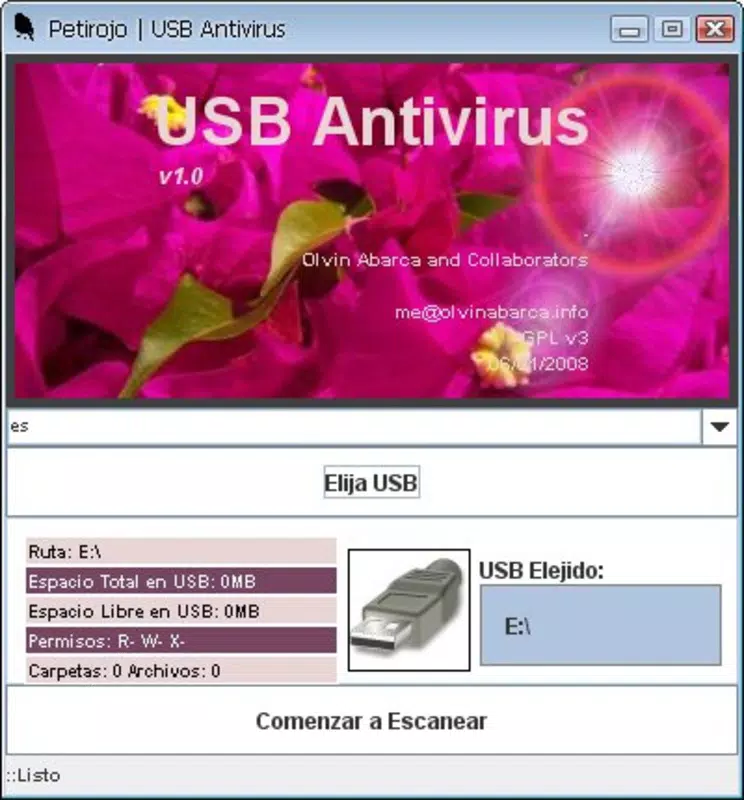
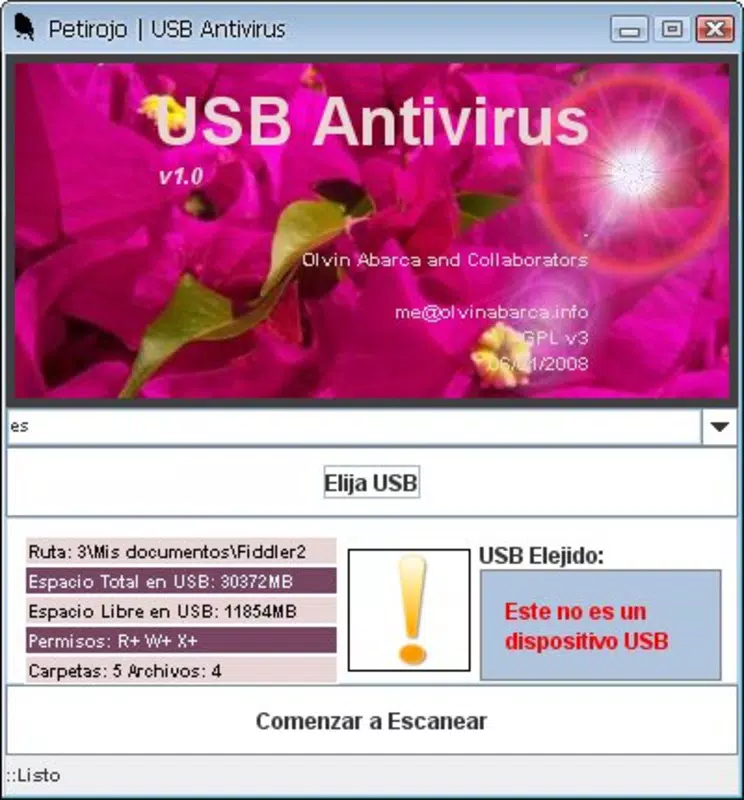
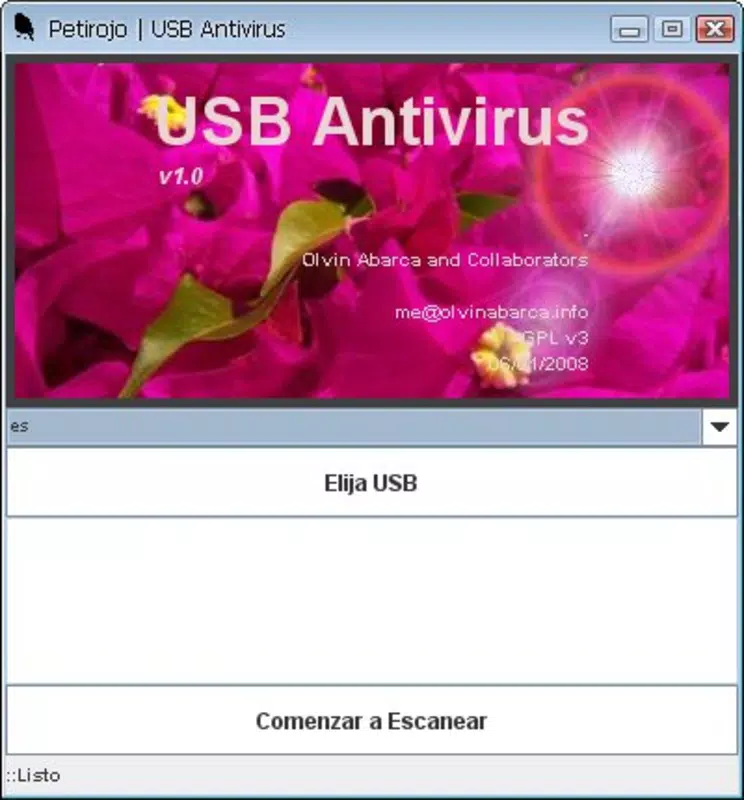
The interface of Petirojo is minimalistic and focused on functionality, avoiding unnecessary visual distractions. The layout consists of a central window with a drive selection dropdown, a scan button, and a status display. The visual style is plain, relying on standard system controls, which contributes to its lightweight footprint.
Navigation is straightforward: users select a USB device from the list and initiate the scan with a single click. The app responds promptly to user input, with no noticeable lag during operation. Although the developer did not list formal performance metrics, the application’s small size (2.1 MB) and lack of background processes suggest efficient resource usage.
It is likely to perform well on older or low-spec Windows systems. Responsiveness is maintained during scanning, with real-time updates on the scan progress. Stability appears reliable based on its long-standing presence, though no official reports on crashes or errors are available.
Overall, the UX prioritizes speed and simplicity, making it accessible even to users with limited technical experience.
Platform Compatibility & Technical Requirements
Petirojo is designed for the Windows operating system and is compatible with various Windows versions, although specific minimum requirements were not disclosed. The application is distributed as a compressed .rar file containing the executable and supporting files. The total file size is 2.1 MB, which is relatively small, indicating a lightweight design with minimal overhead.
The tool requires the Java Runtime Environment (JRE) to function, which is not included in the package and must be installed separately. The developer did not specify the exact Java version required. Users should ensure their system has a compatible JRE installed to run Petirojo successfully.
No information was provided about compatibility with newer Windows versions or potential issues on 64-bit systems. The app is not available on mobile platforms such as Android or iOS, and no version for macOS or Linux was mentioned. Therefore, it is exclusively intended for Windows desktop users seeking a portable, quick-acting virus scanner.
Pros and Cons
Pros
- Lightweight and fast scanning process, ideal for quick security checks.
- Simple installation—no setup required, just unzip and run.
- Free to download and use, with no hidden costs or subscriptions.
- Minimal interface reduces user confusion and supports easy adoption.
- Designed for users who need a no-frills tool for USB security without heavy software.
Cons
- Requires Java to be installed separately, which may be a barrier for some users.
- Not available on mobile platforms or non-Windows operating systems.
- No official updates or support information provided since its release in 2010.
- Specific technical requirements (e.g., Java version, OS compatibility) were not listed.
- Limited to USB device scanning; does not offer full system protection.
FAQ
Is Petirojo safe to download and use?
Yes, Petirojo is a free tool designed for USB security. However, users should ensure they download it from a trusted source to avoid compromised versions. The app itself does not contain malware, but caution is advised when handling files from unverified sites.
Do I need to install Java to run Petirojo?
Yes, Petirojo is a Java-based application and requires the Java Runtime Environment (JRE) to be installed on your Windows system. If Java is not present, the app will not launch.
Can I use Petirojo on my Android or iPhone?
No, Petirojo is only compatible with Windows operating systems. It is not available for Android, iOS, or other mobile platforms.
Is Petirojo updated regularly?
The developer did not provide information about updates or maintenance. The last known release was in 2010, so users should be aware that it may not detect newer malware strains.
Does Petirojo offer real-time protection?
No, Petirojo is designed for on-demand scanning of USB devices. It does not provide real-time monitoring or continuous system protection.
Final Thoughts
Petirojo remains a practical choice for users seeking a no-cost, no-installation method to check USB devices for malware. Its speed, simplicity, and minimal system requirements make it a valuable tool in environments where quick, temporary security checks are needed. While it lacks modern features like real-time scanning or automatic updates, its core functionality is still relevant for basic USB safety.
The app is best suited for individuals who prioritize ease of use and immediate results over advanced protection. For those who frequently transfer files via USB and want a lightweight, free solution, Petirojo offers a reliable, straightforward option. Despite its age, it continues to serve a niche but important role in digital security.
Download Petirojo now.


